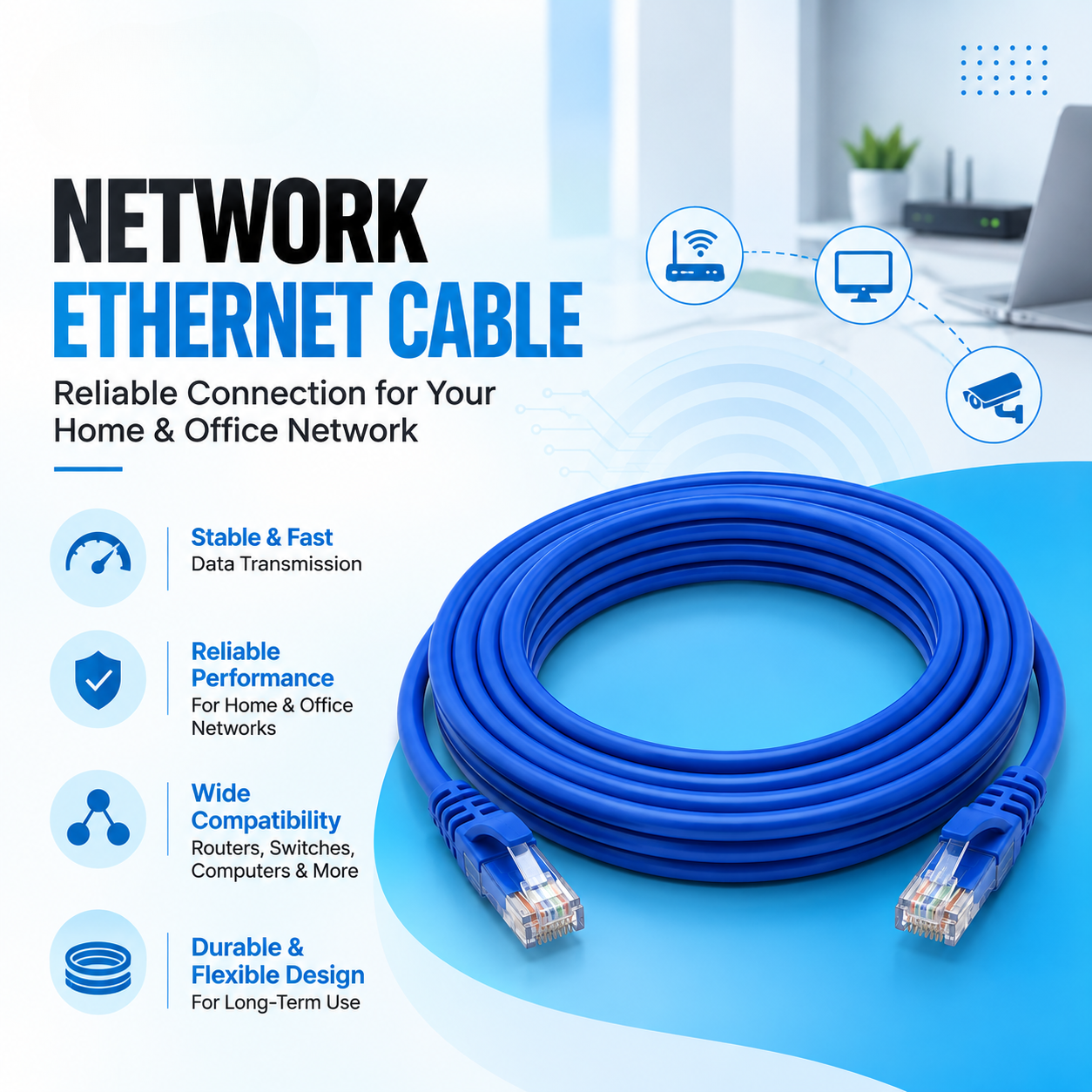
Choosing the right Ethernet cable can have a significant impact on the performance and reliability of a wired network. With options such as CAT5 and CAT6 Ethernet cables, it can be difficult to know which cable is appropriate for a home, office, CCTV installation, or other networking application.
While both cable categories are used for transmitting network data, they differ in areas such as supported performance, construction, interference protection, and typical applications.
In this guide, we will compare CAT5 vs CAT6 Ethernet cables, explain their differences, and help you understand which option may be suitable for your network.
An Ethernet cable is a type of network cable used to connect devices to a wired network.
Common devices connected using Ethernet include:
Ethernet cables allow data to travel between connected devices and network equipment.
Different categories of Ethernet cable are designed to support different levels of network performance.
CAT5 stands for Category 5 Ethernet cable.
Traditional CAT5 cable was designed for network connections with performance levels suitable for older Ethernet standards. However, modern installations commonly use CAT5e, which is an enhanced version of CAT5.
CAT5e can support Gigabit Ethernet under appropriate installation conditions and is widely used in residential and office networks.
When comparing cables today, it is therefore important to distinguish between CAT5 and CAT5e rather than treating them as identical.
CAT6 stands for Category 6 Ethernet cable.
CAT6 was developed to provide higher performance and improved control of interference compared with earlier Ethernet cable categories.
CAT6 cables are commonly used for:
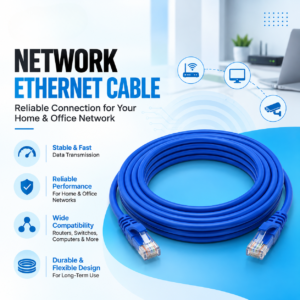
Ever-Tech offers CAT6 Ethernet Patch Cords for network connectivity applications.
The primary differences involve frequency rating, performance capability, construction, and suitability for newer network installations.
Feature | CAT5 | CAT6 |
Category | Category 5 | Category 6 |
Typical modern use | Limited/legacy applications | Modern networking |
Maximum rated frequency | Up to 100 MHz | Up to 250 MHz |
Gigabit Ethernet | CAT5 is older technology; CAT5e is commonly used for Gigabit | Supported under appropriate conditions |
Interference control | Basic | Improved |
Construction | Generally simpler | Often more robust |
Typical use | Older networks | Modern home, office and business networks |
Actual network performance depends on the complete installation, including cable quality, connectors, network equipment, installation method, and cable length.
One of the most common questions is whether CAT6 is simply “faster” than CAT5.
The answer requires some context.
Traditional CAT5 is an older cable category, while CAT5e is commonly used for Gigabit Ethernet connections.
CAT6 provides higher frequency performance and is designed with tighter specifications for crosstalk and signal integrity.
Under appropriate conditions, CAT6 can support:
However, simply replacing a cable does not automatically make an internet connection faster.
For example, if your internet connection is limited to 100 Mbps, installing a CAT6 cable will not turn the internet connection into a 1 Gbps connection.
The network speed is determined by the capabilities of the entire connection.
Frequency is another important difference.
Traditional CAT5 is rated up to 100 MHz, while CAT6 is rated up to 250 MHz.
A higher frequency rating allows CAT6 to meet more demanding transmission requirements and provides greater headroom for modern network applications.
This is one reason CAT6 is commonly selected for new network installations.
Crosstalk occurs when signals travelling through nearby cable pairs interfere with one another.
CAT6 cables are designed with improved specifications for controlling crosstalk compared with earlier cable categories.
Some CAT6 cable designs also use a physical separator between twisted pairs to further reduce interference between pairs.
The exact construction varies by manufacturer and cable design.
Not necessarily.
CAT6 can support higher network performance than older cable categories, but your actual internet speed depends on factors such as:
If all other components are limited to a lower speed, changing to CAT6 alone will not remove those limitations.
The benefit of CAT6 is that it provides greater capability for the network infrastructure.
For a new home network, CAT6 can be a practical choice if you are installing permanent Ethernet cabling.
It can be used for:
If the installation is intended to remain in place for several years, selecting a newer cable category can provide additional capacity for future network upgrades.
For an existing network that already performs adequately, replacing all cables may not be necessary.
Businesses often have greater networking requirements than individual home users.
Office networks can include:
Using suitable CAT6 cabling can provide a reliable infrastructure for modern Ethernet networking.
For larger business installations, cable selection should also consider installation standards, cable routing, interference sources, distance, and the network equipment being deployed.
CAT6 cables are also commonly used in IP CCTV installations.
IP cameras transmit video data over a network connection, making Ethernet cabling an important part of the surveillance infrastructure.
A typical setup can look like:
IP Camera → CAT6 Cable → PoE Switch → NVR / Network
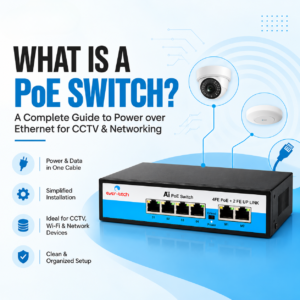
When a compatible PoE switch is used, the same Ethernet cable can carry both network data and power to the camera.
For larger CCTV systems, cable quality, installation distance, PoE requirements, and network bandwidth should all be considered.
A comparison between CAT5e and CAT6 is often more useful for modern buyers than CAT5 vs CAT6.
Both can support Gigabit Ethernet under appropriate conditions.
However, CAT6 has a higher frequency rating and tighter performance specifications, providing greater capacity for modern networking requirements.
Feature | CAT5e | CAT6 |
Frequency | Up to 100 MHz | Up to 250 MHz |
Gigabit Ethernet | Yes | Yes |
Crosstalk control | Improved over CAT5 | Further improved |
Typical use | Home and office networks | Modern home, office and business networks |
Future capacity | Good | Higher |
The right choice depends on the network requirements, installation budget, equipment, and expected future upgrades.
For standard Ethernet installations, a commonly referenced maximum channel length is around 100 metres, including the permanent link and patch cables.
However, the actual usable distance depends on:
For installations that need to cover longer distances, network designers may use additional switches, fiber optic connections, or other appropriate networking solutions.
First determine whether you need CAT5e, CAT6, or another cable category.
For many modern installations, CAT6 can provide useful additional performance headroom.
Choose a length appropriate for the installation.
Avoid unnecessarily long cables when shorter options are available, while ensuring there is enough length for proper routing and connection.
The RJ45 connectors and termination quality can affect network reliability.
A high-quality cable can still perform poorly if it is improperly terminated.
Check whether the cable is designed for the environment where it will be installed.
For example, indoor and outdoor installations can have different requirements.
Your router, switch, network cards, access points, and other equipment should support the performance you expect from the cable.
If the cable will be used for PoE devices such as IP cameras or wireless access points, make sure the cable and network equipment are suitable for the required power delivery.
Using an older cable category in a new high-performance network can limit the capabilities of the installation.
Improperly terminated connectors can cause intermittent connectivity or lower network performance.
Ethernet cables should be installed according to appropriate bend-radius recommendations. Excessive bending can affect cable performance.
Where possible, network cables should be routed appropriately away from significant sources of electromagnetic interference.
Your Ethernet cable is only one component of the network.
A CAT6 cable cannot increase an internet plan’s speed beyond what the rest of the network can support.
Ever-Tech offers CAT6 Ethernet Patch Cords as part of its computer and networking cable range.
These cables can be used for a variety of wired networking applications, including connecting computers, routers, switches, network devices, and other compatible equipment.
When selecting an Ethernet patch cord, users should consider the required cable length, network speed, installation environment, connector compatibility, and equipment specifications.
CAT6 has higher frequency specifications and improved crosstalk performance compared with traditional CAT5. For many new network installations, CAT6 provides greater performance headroom.
CAT6 supports higher-performance networking than traditional CAT5. However, actual network speed depends on the entire network, including the router, switch, connected devices, network standard, and internet connection.
Yes. CAT6 can generally be used in many applications where older Ethernet cable categories are used, provided the connectors, equipment, and installation requirements are compatible.
Yes. CAT6 Ethernet cable is commonly used for IP CCTV systems. It can carry network data and, when used with compatible PoE equipment, can also carry power to compatible IP cameras.
CAT6 can be used for wired gaming connections and can support high-speed Ethernet connections. However, gaming performance also depends heavily on the internet connection, latency, router, server, and network configuration.
CAT6 itself does not make a wireless signal stronger. However, CAT6 can provide a high-speed wired connection between a router, switch, or Wi-Fi access point, which can support the performance of the overall network.
The choice between CAT5 and CAT6 Ethernet cables depends on your network requirements, existing equipment, budget, and future plans.
Traditional CAT5 is an older cable category, while CAT6 offers higher frequency specifications and improved crosstalk performance. For many new home, office, business, and IP CCTV installations, CAT6 can provide useful performance headroom for modern networking equipment.
Before purchasing an Ethernet cable, consider the network speed, cable length, equipment compatibility, installation environment, PoE requirements, and expected future upgrades.
For modern networking installations, choosing the appropriate cable category can help create a reliable infrastructure that supports your current requirements while leaving room for future network improvements.

Excellence through technology
Excellence through technology

WhatsApp us