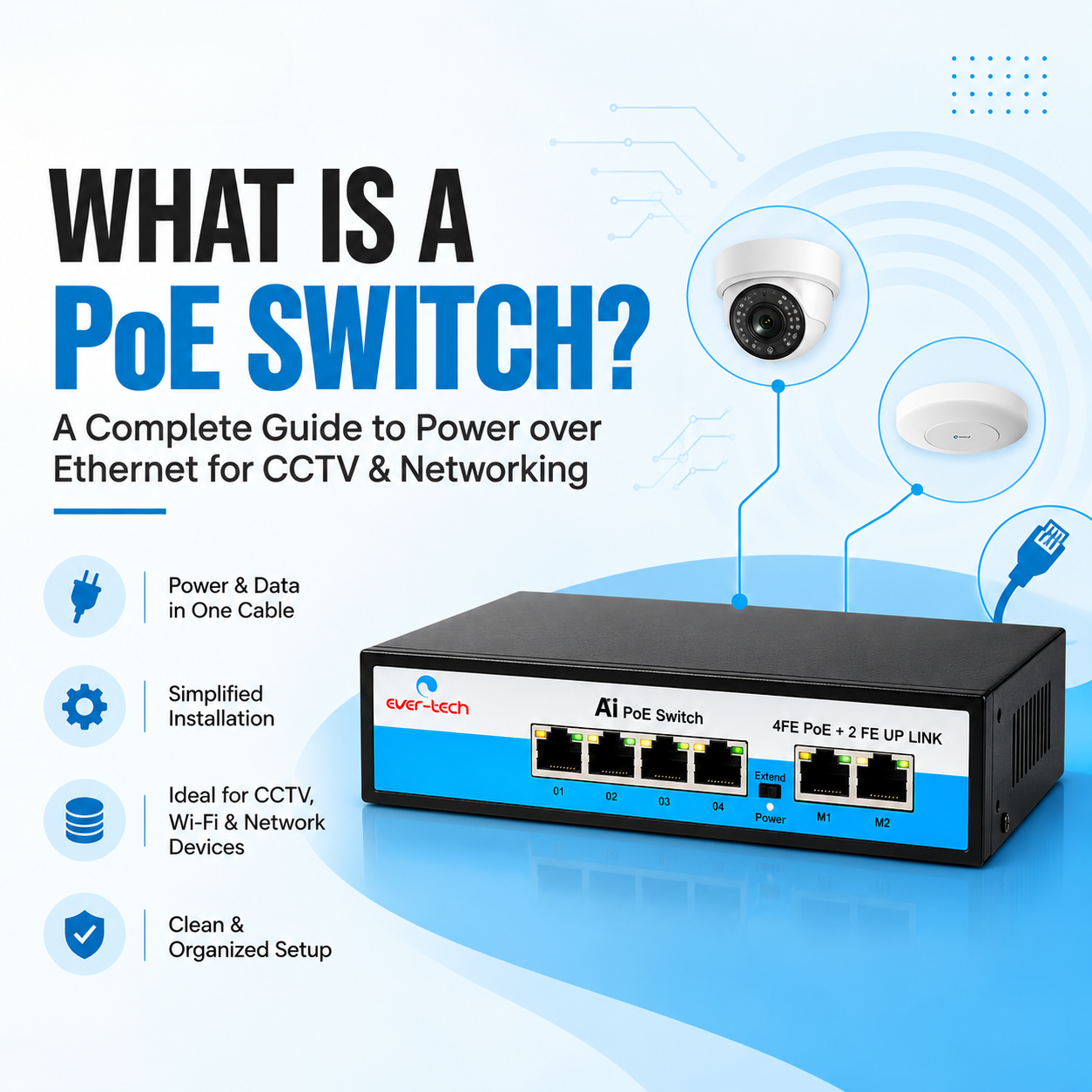
If you are setting up an IP camera system, office network, Wi-Fi access points, or other network-connected devices, you may have come across the term PoE switch. But what exactly is a PoE switch, and why is it useful?
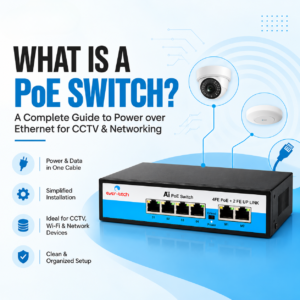
A Power over Ethernet (PoE) switch allows compatible network devices to receive both data and electrical power through a single Ethernet cable. This can make network and CCTV installations simpler by reducing the need for separate power cables and electrical connections at every device.
In this guide, we will explain what a PoE switch is, how it works, its benefits, common applications, and what to consider when choosing one.
A PoE switch is a network switch that can transmit network data and electrical power through Ethernet cables to compatible devices.
With a traditional network setup, an IP camera, wireless access point, or other powered network device generally needs:
With PoE, both can be supplied through a compatible Ethernet connection.
For example, when installing an IP CCTV camera, a PoE switch can connect the camera to the network while also supplying the required power through the Ethernet cable.
This makes PoE particularly useful for installations where running separate power cables to every device would be inconvenient.
PoE technology works by sending electrical power over specific pairs of an Ethernet cable while simultaneously carrying network data.
A typical setup looks like this:
Internet/Network → PoE Switch → Ethernet Cable → IP Camera
The PoE switch connects to the network and provides power to compatible devices connected to its PoE ports.
Depending on the switch and connected device, the available power and supported PoE standard can vary. Therefore, it is important to check compatibility before installation.
PoE technology is commonly used with several types of network-connected equipment.
One of the most common applications of PoE is IP CCTV installation.
Instead of running separate power and network cables to each camera, a compatible PoE switch can provide both through the Ethernet connection.
This can make CCTV installation more organized and convenient, especially when several cameras are installed in different locations.
Businesses often use PoE switches to power Wi-Fi access points installed on ceilings, walls, or other locations where a conventional power outlet may not be nearby.
PoE can also be used to provide power and network connectivity to compatible VoIP phones through a single Ethernet cable.
Depending on compatibility and power requirements, PoE can also be used with other network-connected devices such as certain intercom systems, access-control equipment, and IoT devices.
The main difference is the ability to provide electrical power.
Feature | Regular Network Switch | PoE Switch |
Network connectivity | Yes | Yes |
Provides power through Ethernet | No | Yes |
Suitable for IP cameras | Network connection only | Yes, when compatible |
Separate power may be required | Usually | Not necessarily |
Installation convenience | Standard | Higher for compatible devices |
A regular network switch can still be used for network connectivity, but compatible powered devices may require their own power source.
A PoE switch combines these functions into one network device.
One of the biggest advantages of PoE is that a single Ethernet cable can handle both power and data for compatible devices.
This can reduce cable clutter and simplify installation.
Because compatible devices can receive power through Ethernet, you may not need a separate electrical outlet near every device.
This is particularly useful for CCTV cameras and ceiling-mounted Wi-Fi access points.
PoE can make it easier to add compatible devices to an existing network, provided the switch has sufficient available ports and power capacity.
Using one cable for data and power can result in a more organized installation, particularly in offices, commercial buildings, and CCTV systems with multiple cameras.
PoE allows power delivery to compatible network devices to be managed from a central switch location. This can simplify maintenance and troubleshooting.
Not every PoE switch is suitable for every installation. Before purchasing one, consider the following factors.
First, determine how many PoE devices you need to connect.
For example, if your CCTV system requires eight PoE cameras, an 8-port PoE switch may be appropriate. However, leaving some additional ports available can provide flexibility for future expansion.
The total power available from the switch is another important consideration.
Add the power requirements of your connected devices and compare the total with the switch’s available PoE power budget.
For example, if several cameras require power simultaneously, the switch must have enough capacity to support them.
Check the network speed supported by the switch and connected devices.
Gigabit Ethernet can be useful for installations where higher network throughput is required, particularly when handling multiple IP cameras or other bandwidth-intensive devices.
Always check whether the PoE switch and connected devices use compatible standards and power requirements.
Compatibility is particularly important when combining equipment from different manufacturers.
Uplink ports can be useful when connecting the PoE switch to a router, NVR, another network switch, or a larger network infrastructure.
Consider how the switch will fit into the overall network before choosing a model.
PoE switches are widely used in modern IP CCTV installations.
A basic setup can look like:
IP Cameras → PoE Switch → Network/NVR → Monitoring System
Each compatible camera can connect to the PoE switch using an Ethernet cable. The switch can then provide network connectivity and power while connecting the cameras to the wider network or recording infrastructure.
For larger CCTV installations, factors such as the number of cameras, cable distance, network bandwidth, and total power requirements should be considered before selecting a switch.
PoE can be especially convenient for CCTV installations because cameras are often installed away from convenient electrical outlets.
Using Ethernet for both power and data can help simplify:
However, the switch, cameras, Ethernet cables, and other network equipment should all be selected according to the requirements of the particular installation.
Ever-Tech offers a range of PoE switches designed for networking and surveillance applications.
Its current product range includes models such as:
The available models differ in port configuration and connectivity options, allowing users to select a switch according to the requirements of their network or CCTV setup.
For businesses, CCTV installers, network professionals, and system integrators, choosing the appropriate model should depend on the number of connected devices, required network speed, power requirements, and installation environment.
Before installing a PoE switch, avoid these common mistakes:
If you need eight cameras, don’t select a switch that leaves no room for additional devices unless the installation requirements are fixed.
The number of ports alone does not determine whether a switch can power all connected devices. Always check the total available power.
Make sure the PoE switch and powered devices are compatible with each other.
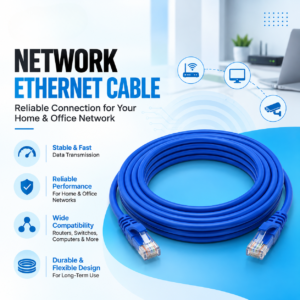
The Ethernet cable is an important part of the network. Use appropriate, good-quality cabling for the intended installation and distance.
If your network is likely to grow, consider future devices when selecting the switch.
A PoE switch is used to provide network connectivity and electrical power to compatible devices through Ethernet cables. It is commonly used with IP cameras, wireless access points, VoIP phones, and other network devices.
Yes. PoE switches are commonly used with compatible IP CCTV cameras because they can provide both network connectivity and power through Ethernet cables.
A PoE switch primarily provides network connectivity and power to compatible devices. Internet access depends on the wider network, such as the router or internet connection connected to the switch.
It depends on the switch and device. Many PoE switches can support non-PoE network devices for data connectivity, but compatibility should always be checked in the manufacturer’s specifications.
This depends on the number of PoE ports, available power budget, network capacity, and the power requirements of the cameras. An 8-port PoE switch, for example, can potentially connect up to eight compatible PoE devices, subject to its specifications.
A PoE switch can simplify networking and CCTV installations by combining power and data transmission through Ethernet. It can reduce cable requirements, minimize the need for nearby power outlets, and make compatible network installations easier to manage.
When choosing a PoE switch, consider the number of ports, power budget, network speed, PoE compatibility, uplink requirements, and future expansion needs.
For CCTV installers, businesses, offices, and network professionals, selecting the right PoE switch can help create a cleaner and more practical network infrastructure.

Excellence through technology
Excellence through technology

WhatsApp us